
Enterprise integrations decide whether an AI platform delivers real business outcomes or just friendly conversation. Herbie.AI does not ask organizations to replace their ERP, CRM or HR systems. Its Enterprise Connector Framework connects to them securely, so the agentic AI layer can retrieve knowledge, run workflows and synchronize data across the tools people already use.
Security matters as much as connectivity. Connectors support authentication standards such as OAuth 2.0, alongside API keys, JWT and mutual TLS. This guide explains how the framework is built, which systems it connects to, and how it keeps every integration reliable.
Why Enterprise Integrations Matter for AI
Enterprise AI platforms rarely operate in isolation. Organizations depend on ERP, CRM, HRMS, finance, procurement, collaboration and document systems, and an AI assistant is only useful if it can reach them. The connector framework is designed to:
- Connect enterprise applications securely
- Enable real-time data exchange
- Support AI-driven workflow automation
- Eliminate duplicate data entry
- Synchronize business information
- Provide reusable integration components
- Simplify implementation
- Support hybrid and multi-cloud environments
How the Connector Framework Is Built
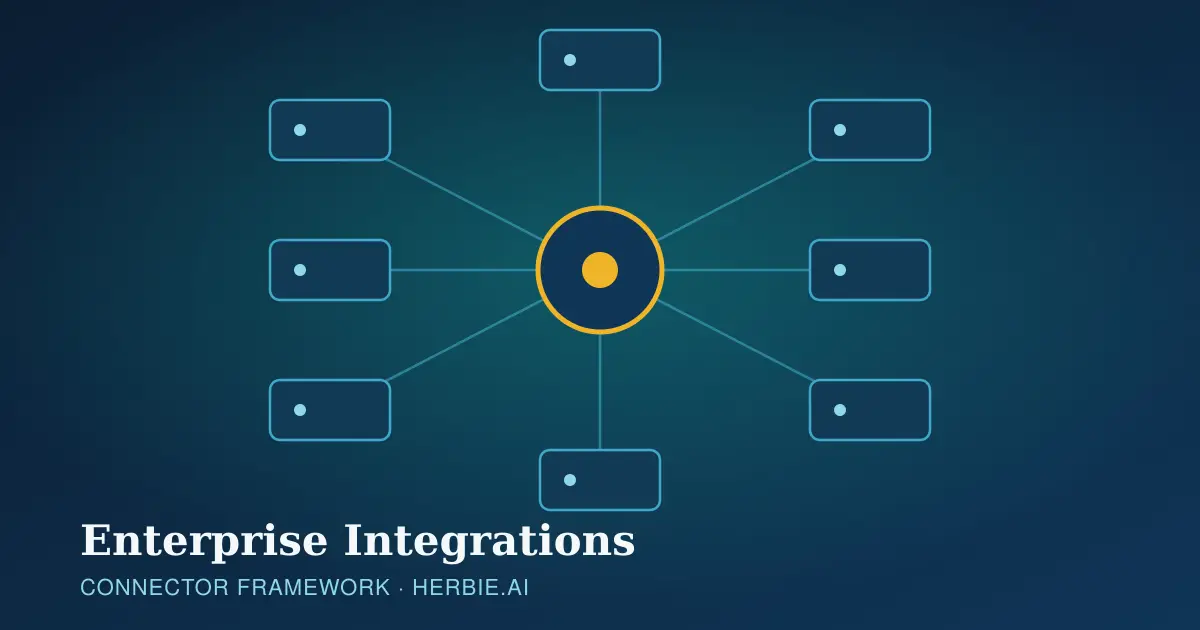
The framework consists of modular connectors that wrap authentication, communication protocols, data transformation and error handling. A Connector Engine sits between Herbie.AI and enterprise systems, working with the API Gateway and Workflow Engine.
| Component | Purpose |
|---|---|
| Connector Manager | Manages connector lifecycle |
| Authentication Module | Handles secure authentication |
| API Adapter | Communicates with external services |
| Data Mapper | Converts data formats |
| Scheduler | Runs periodic synchronization |
| Monitoring Service | Tracks connector health |
| Retry Manager | Handles transient failures |
| Audit Logger | Records connector activity |
Types of Enterprise Connectors
Herbie.AI groups connectors into families, so teams can reuse the same pattern across many systems.
| Category | Examples |
|---|---|
| Business applications | CRM, ERP, HRMS, finance, procurement |
| Collaboration | Microsoft Teams, Slack, Zoom, Google Meet |
| Document management | SharePoint, OneDrive, Google Drive, network file shares |
| Databases | SQL Server, Oracle, PostgreSQL, MySQL, MongoDB, MariaDB |
| Communication | Email, SMS, WhatsApp, Telegram |
| AI services | Azure OpenAI, OpenAI, Anthropic, Google Gemini, local LLM servers |
REST, SOAP, GraphQL and Webhooks
REST is the preferred method for modern applications and supports GET, POST, PUT, PATCH and DELETE. Responses are transformed into standardized internal objects, so a call such as fetching an employee record looks the same to the platform whatever system answers it.
Legacy systems are covered too. SOAP support includes WSDL import, XML request generation, WS-Security and fault handling, which suits older ERP, banking and government applications. GraphQL lets clients request only the fields they need, reducing bandwidth. Webhooks let business systems push events, such as an approved invoice or a closed ticket, straight into Herbie.AI to trigger a workflow.
Databases, Microsoft 365, Google Workspace and SharePoint
Database connectors support reads, writes, stored procedures, parameterized queries and bulk retrieval, but only where access is authorized. Microsoft 365 integration covers Outlook, Teams, OneDrive, SharePoint, Entra ID and the Graph API, so Herbie.AI can schedule meetings, send email or post Teams notifications. Google Workspace connectors do the same for Gmail, Calendar, Drive, Docs, Sheets and Meet.
SharePoint is one of the main enterprise knowledge sources. Herbie.AI can index document libraries, monitor updates, synchronize metadata and respect access controls, which lets AI-RAG retrieve current organizational content securely.
CRM, ERP and ITSM Integrations
CRM connectors work with Salesforce, Microsoft Dynamics 365, HubSpot and Zoho CRM to create leads, update opportunities, retrieve customer profiles and synchronize contacts. ERP connectors reach systems such as SAP, Oracle ERP, Dynamics 365 Finance and Infor for purchase orders, inventory, finance, manufacturing, vendor and asset management. ITSM connectors support operational processes such as incidents and service requests.
Communication Connectors for Omnichannel Support
| Channel | Capability |
|---|---|
| Notifications and conversations | |
| SMS | Alerts |
| Customer support | |
| Teams | Employee assistant |
| Slack | Collaboration |
| Telegram | Messaging |
| Voice | Contact center integration |
Authentication and Secrets Management
Connectors support several authentication mechanisms, chosen to match each target system:
- API keys
- OAuth 2.0
- JWT
- Basic authentication
- Mutual TLS (mTLS)
- Service accounts
- Client certificates
Credentials should always be stored in an enterprise secrets management solution, never in plain configuration files.
Data Mapping and Transformation
Every application names things differently. The Data Mapper converts between JSON, XML, CSV, SQL records and custom objects, so a CRM field called CustName and an internal field called customerName resolve to the same customer without custom code for every workflow.
Error Handling and Connector Monitoring
Connector failures are inevitable: authentication errors, network timeouts, invalid requests, rate limiting and unavailable servers all happen. Recovery strategies include automatic retry, exponential backoff, dead-letter queues, administrator notification and workflow rollback. Dashboards track API response time, connection status, failed requests, retry counts, authentication errors, throughput, latency and synchronization status, with alerts for failures and degraded performance.
Building Custom Connectors
Proprietary systems are not a dead end. A custom connector follows a clear path: identify the target system, define authentication, implement API communication, map data structures, configure error handling, test connectivity, register the connector and deploy to production, always following organizational security and coding standards.
Best Practices for Enterprise Integrations
- Use secure authentication mechanisms
- Store credentials in a secrets manager
- Prefer parameterized database queries
- Transfer only the data that is required
- Monitor connector performance
- Handle failures gracefully
- Version APIs and connectors
- Document integration configurations
- Test connectors before production deployment
Business Benefits of Enterprise Integrations
| Benefit | Description |
|---|---|
| Faster integration | Reusable connector framework |
| Reduced development | Standardized interfaces |
| Improved data accuracy | Real-time synchronization |
| Enhanced automation | Direct system interactions |
| Scalability | Supports growing application ecosystems |
| Security | Centralized authentication and auditing |
With these connectors in place, the agentic workflow orchestration described elsewhere on this blog can act on real systems, and the Conversational AI Engine can answer from live enterprise data. Talk to the team about which of your systems to connect first.